Configured for your agency
Each deployment serves one agency, with its own units, types of work, shift templates, staffing minimums, rotations and access permissions.
Platform
One schedule for every unit in your agency, whether it staffs patrol cars, dispatch positions, apparatus or medic units.
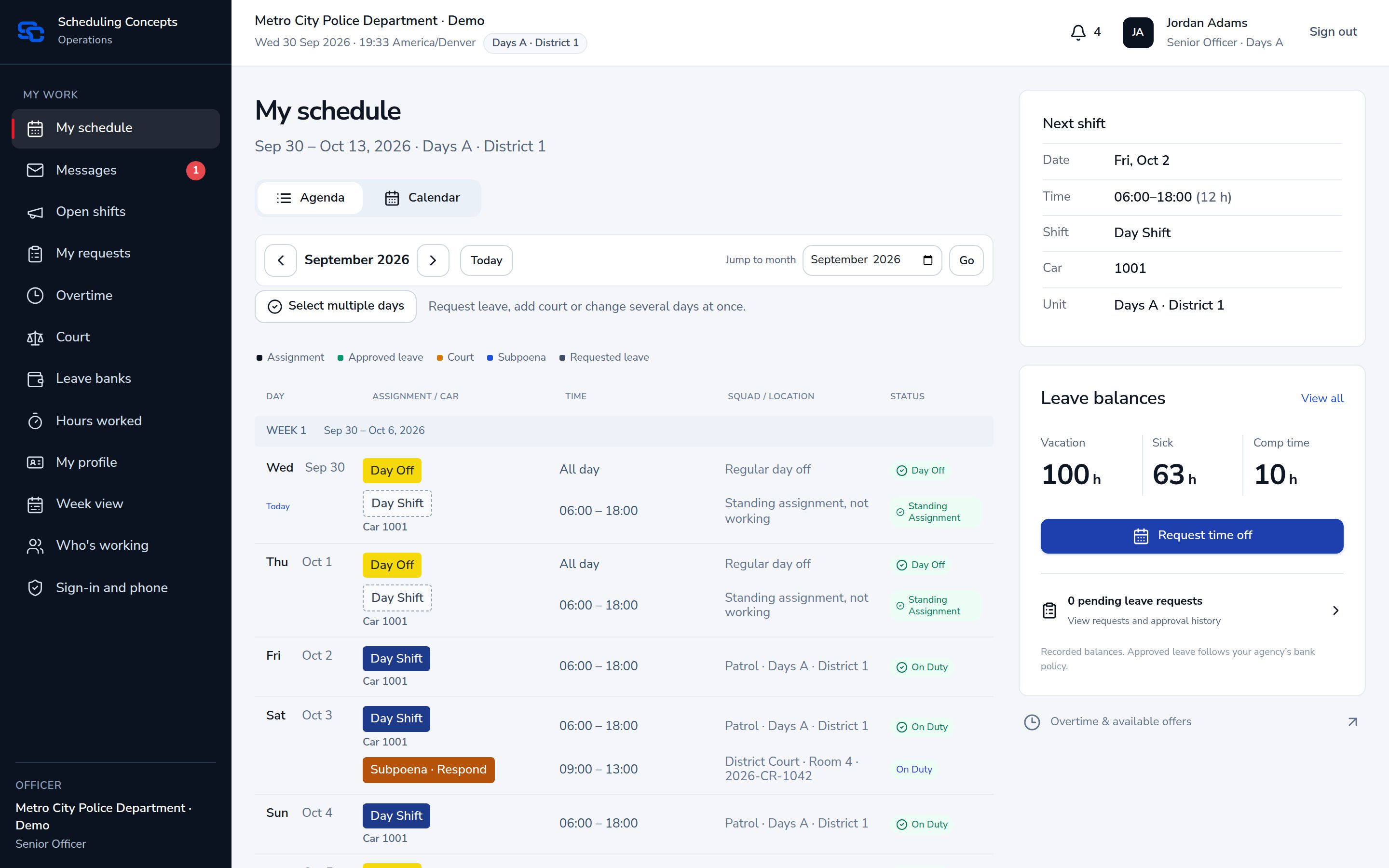
Workflow
Every step writes to the same schedule and the same audit log, so what was planned, changed, worked and paid stays connected.
Plan
Each person gets a shift, a seat and a rotation. The calendar fills ahead on its own.
Build
Supervisors handle the day’s changes in the builder, with leave, rest and overlaps checked as they go.
Publish
Review the planning period, resolve pending requests, publish and notify the unit.
Staff
Post an open shift for sign-up, or offer overtime in your agency’s order.
Close
Hours are reviewed and approved, then exported as a CSV in your pay codes.
The builder, the week view, rotations, minimums and the checks behind every assignment.
Learn moreUnits, profiles, certifications with reminders, training hours and account invitations.
Learn moreLeave banks and accruals, overtime, court, worked time and the payroll export.
Learn moreEach deployment serves one agency, with its own units, types of work, shift templates, staffing minimums, rotations and access permissions.
Scheduling Concepts works alongside your operational systems. It does not replace CAD, records management or evidence management. Payroll support is a CSV export; direct vendor delivery is not yet validated.
A live walkthrough of the software using a fictional police department and 911 center. No personnel data is needed.